How I Add a Few Seconds of Motion to a Finished Illustration Without Losing My Style
I finished a rainy-street illustration and wanted the rain to fall for a portfolio post. My first attempt at adding motion changed the lamp-post and softened the face I'd spent time drawing. The picture moved, but it no longer felt like mine.
I went back to the still and chose one thing to animate: the rain. That decision made the next version easier to judge. The question wasn't “How much can I make move?” but “Does this movement belong in this drawing?”
Decide whether the illustration needs motion
Some pieces work because every line stays exactly where it is. A drawing with fine lettering, precise facial features or a carefully balanced composition might be better posted as a still. I keep the original file untouched and make a copy before experimenting.
If motion adds something, I choose one small subject: rain falling, steam drifting, a strand of hair moving or a light flickering. I look for a part that can change without asking the rest of the scene to be redrawn. In my rainy street, the lamp and the figure are visual anchors; the rain can move around them.
A tiny movement also gives the viewer time to see the illustration. There is no rule that every portfolio post needs animation. If the first version distracts from the drawing, I stop and share the still.
Two ways I can make the motion myself
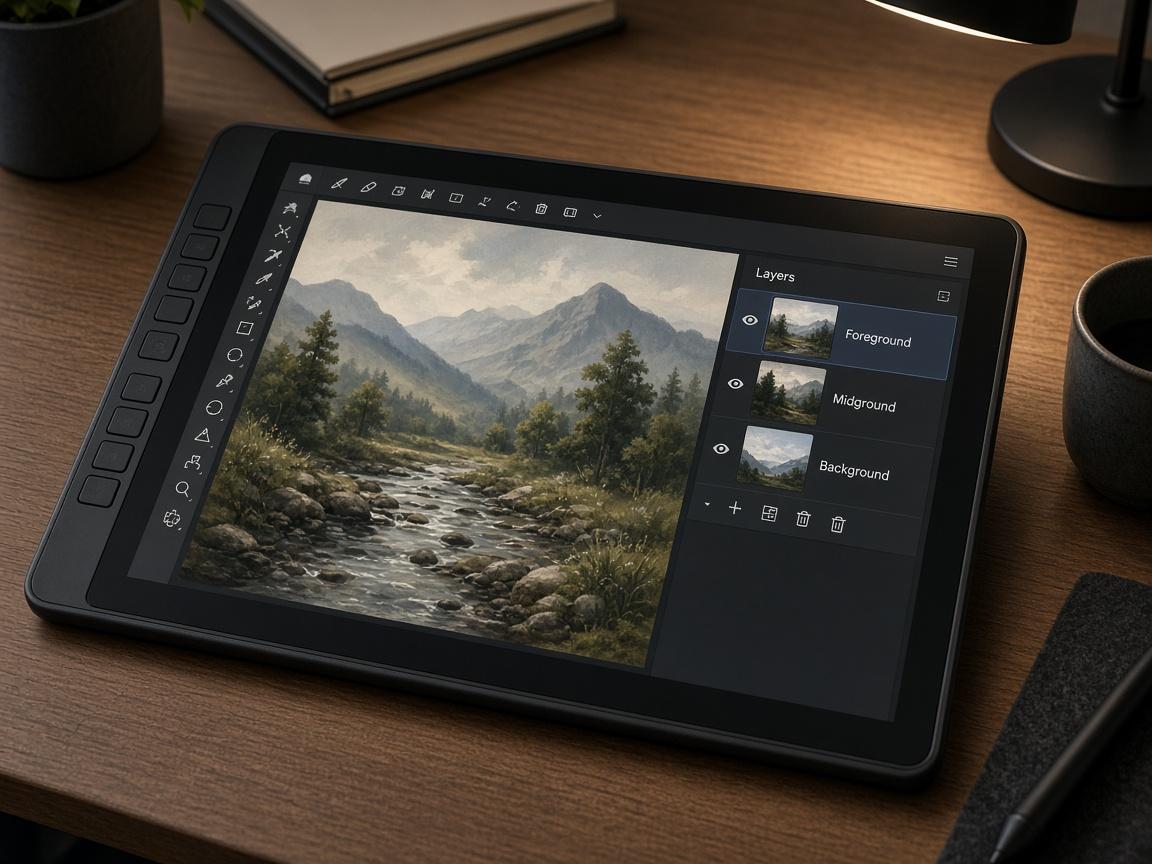
For layered parallax, I separate the foreground, middle distance and background in a copy of the artwork, then place those layers on a timeline in an editor that supports position keyframes. I shift them by different, very small amounts: the foreground might move a little more than the distant buildings. This suggests depth without redrawing the whole scene.
Check the edges as the layers move. A gap hidden behind the foreground in the original may become visible; either fill it using your own artwork or reduce the movement. If the piece is flattened and separating it would damage the lines, a still may be the better choice.
For a short hand-drawn loop, I draw three to five frames of one element, such as the steam above a cup. Onion skinning shows adjacent frames faintly so I can see the change from one drawing to the next. I play the sequence, adjust the timing, and compare the last frame with the first. A loop may need another drawing or a different timing to avoid an obvious jump.
Neither approach requires turning the whole artwork into a moving scene. Both leave me in control of the lines I draw.
If I describe motion from a still
When I want to explore image-to-video, I use a prompt guide for animating a still image from Videoify to organise the instruction. The guide's useful distinction is that the image already supplies the composition: describe the change, and repeat the details that must stay stable.
For my rainy scene, a starting instruction is: “Rain falls gently through the street. Keep the figure's face, lamp-post, linework and palette unchanged. The camera stays still and the rain continues through the final frame.” I start with one action, then review the face, lettering and edges rather than assuming the request was followed.
The guide also suggests specifying timing, camera and ending state, and changing one variable on a retry. MiniMax H3 lists clips of 4–15 seconds and an optional end frame to guide where the shot lands. Neither an end frame nor a prompt guarantees unchanged linework or a seamless loop, so I inspect the whole clip and keep the still if it drifts.
Share the work with its context
I post the original still alongside the moving version when the platform allows it. A short caption can explain the method: “Original illustration by me; the rain was animated frame by frame,” or, when that's what I used, “Motion generated from my illustration with image-to-video.” The viewer can understand what was drawn and how the movement was made.
Before posting, I check the community or commission rules that apply to the work. I use my own artwork or material I have permission to use, and I don't assume an animated version has the same permissions as every sound or reference added to it.
Finally, I watch the clip at its actual posting size. Small lettering may become unreadable and a loop that looked smooth on the timeline may jump when it repeats. If the result asks for too much explanation or the drawing has lost its character, the original still is ready to stand alone.
What I'll do next time
I'll keep the original file and choose whether the piece needs motion at all.
I'll name one moving element and the details that must stay fixed.
I'll try a simple handmade version before asking a model to interpret the drawing.
I'll check every frame for changes and explain the motion method when I share it.
For the rainy street, the lamp-post staying put matters more to me than a dramatic camera move. The still was the finished artwork; the motion is only another way to present it.